
The HR team at Acme Corp hasn’t missed a single onboarding message, compliance reminder, or company-wide announcement in over a year.
No last-minute Slack scrambles. No duplicate sends. No, “Wait, did anyone send that email?”
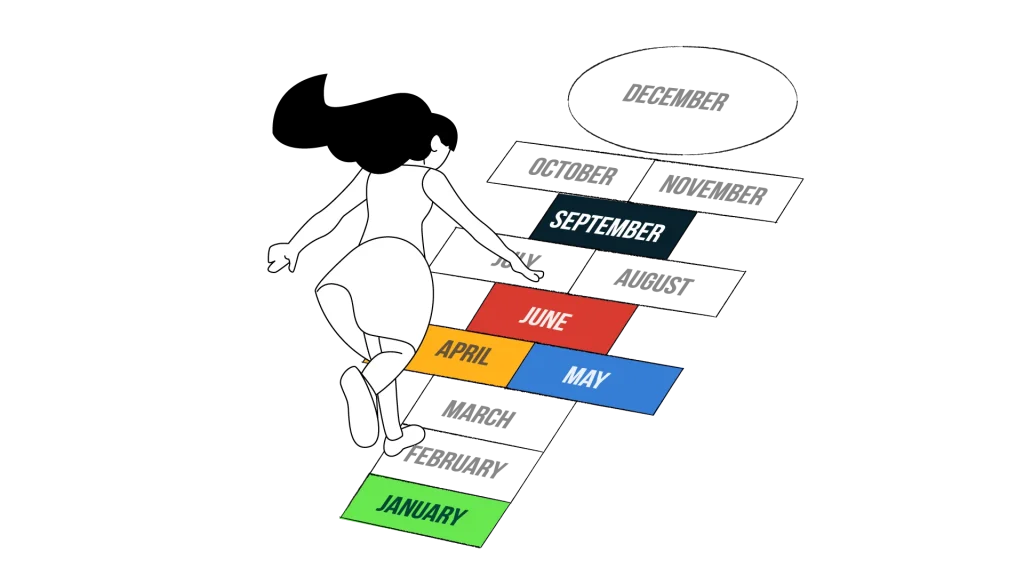
Their secret? A single automated communication calendar that keeps every message on track without the constant manual follow-up.
It didn’t start that way.
Like most teams, they were juggling spreadsheets, chasing approvals, and living in the swirl of disconnected messages. But once they built a centralized system, everything changed. They got their time and sanity back.
Here, we’ll show you how to do exactly that.
Step 1: Create One Calendar to Rule Them All
Every great system needs a hub.
If you scatter your HR comms across five spreadsheets, two Slack threads, and someone’s inbox labeled “FYI,” automation won’t help. For it to run smoothly, it all has to live in one place.
That’s your master calendar. The single source of truth that keeps your campaigns aligned, your team in sync, and your sanity intact.
Here’s what a calendar should include (and no, it doesn’t need to be fancy):
- Campaign or message name
- Objective: why it’s being seen
- Audience segment: who it’s for
- Channel(s): email, intranet, SMS, digital postcard
- Owner and approver
- Timing: fixed date, HRIS-triggered, or recurring
- Status: Draft → Scheduled → Sent
- Performance fields: open rate, click rate, feedback
You can build this in Google Sheets, Excel, a project tool like Notion, or a microsite that functions as a front door to your campaigns. The format matters less than making it accessible and visible. The end goal is making it something that actually sticks with your team.
If you’re still pulling the pieces together, start with a solid HR comms calendar. Clear goals, defined ownership, and a realistic cadence give automation something to stand on. It’s the foundation that makes the rest of your system work.
Start by filling it with fixed moments you already know. Think open enrollment dates, quarterly trainings or surveys, annual performance reviews, and company-wide events.
Then begin mapping automatable triggers, like onboarding workflows, 30/60/90-day nudges, and recurring messages that always sneak up on you.
A clean calendar is step one. Everything else flows from here.
Step 2: Choose Tools That Do the Work
There’s a difference between automation and just…rearranging tasks.
If you’re copying messages, manually scheduling emails, and chasing approvals across inboxes, you don’t have a system. You have a scavenger hunt.
Automation starts working for you when your tools are connected, intentional, and built to reduce manual effort, not multiply it.
Here’s what most HR teams need in a lightweight stack:
- A central planning tool: Something with calendar or board views that support collaboration, like Notion, Asana, or even Google Sheets.
- A delivery tool: Ideally, one that handles emails and SMS campaigns, supports audience targeting, and offers templates.
- An automation layer (optional): Tools like Zapier or integrations that connect your calendars to your HRIS so that messages can be triggered automatically.
Choose one tool as your calendar of record. That’s the single place where all messaging lives, and everything else pulls from. When every department has its own version, things get missed or sent twice.
So, what might this look like? Choosing email and SMS solutions allows you to pre-schedule campaigns and reach segmented audiences all from a single dashboard. No spreadsheet shuffling required.
Step 3: Automate the Stuff You Do Over and Over Again
If you’re still copying last quarter’s onboarding emails into a new thread, manually pasting links, and setting calendar reminders…welcome to your very own version of HR Groundhog Day (minus the jazz piano and personal growth montage).
Automation is about identifying what happens again and again and making sure it happens without someone clicking “send.”
Start by translating your recurring messages into repeatable workflows with clear rules and triggers.
Common HR Automation Opportunities
- New-hire sequences: Trigger messages based on hire dates in your HRIS, like welcome emails, benefits explainers, or 30/60/90-day check-ins.
- Benefits campaigns: Time around eligibility windows or OE deadlines.
- Compliance reminders: Quarterly or annual training, handbook acknowledgement.
- Recognition messages: Auto-scheduled for birthdays, work anniversaries, and new-hire intros.
- Monthly newsletters: Pull pre-approved content into scheduled slots.
Use a simple formula to document your automations:
Trigger → Audience → Channel → Template → Timing
This makes the workflow maintainable, shareable, and scalable, so anyone on your team can follow the logic or make updates. Digital postcards and explainer videos are perfect for these kinds of workflows. You can drop them into campaigns without having to rewrite content every time.
Set it up once, and let the system take it from there.
Step 4: Stop Approvals from Becoming a Bottleneck
Even the best automations won’t help if your content gets stuck in limbo waiting for someone to sign off. And nothing derails an on-time campaign like a last-minute Slack message saying, “Can you approve this real quick?”
Approvals should be part of the workflow.
Here’s how to build them in from the start:
- Assign owners and approvers directly in the calendar or planning tool.
- Use status fields like Draft → In Review → Approved → Scheduled → Sent.
- Set lead times and automated reminders so approvers aren’t surprised.
- Standardize templates for repeatable messages like onboarding steps, policy changes, or OE updates.
Once you’ve got roles and timelines built into your calendar, the process starts to feel a lot less reactive. No more scrambling for approvals at the last minute, or rewriting messages five different ways.
If your calendar’s already in place but isn’t gaining traction, the issue may not be structure. It’s buy-in. The key is turning your HR calendar into a living workflow to get more people using it.
At this point, a small library of pre-approved templates, like onboarding nudges or benefits messages, can keep things moving fast.
Approvals still matter. They just shouldn’t be the reason good messages don’t get sent.
Step 5: Use Data to Prune, Tweak, and Level Up
Once your calendar is running, the job isn’t over. It just shifts.
Automation isn’t “set-it-and-forget-it.” It’s “set it and then watch what happens so you can keep making it better.”
The best HR comms calendars evolve. They drop what’s not working, double down on what is, and adapt based on real behavior.
Start simple:
- Are people opening your messages?
- Are they clicking links, watching videos, or completing tasks?
- Are survey or training participation rates improving?
- Are managers actually passing along messages?
You don’t need complex tracking. Just enough signal to guide smart adjustments.
As your system evolves, go deeper:
- Segment your calendar by audience type.
- Adjust delivery methods based on engagement.
- Schedule quarterly cleanups to cut and add messages.
Think of this process like digital spring cleaning. If a message isn’t performing or serving a clear goal, update it, archive it, or let it go.
There’s no award for most messages sent.
Automation = Doing It All, Better
A well-automated HR communications calendar creates the space your team needs to focus on the work that matters most. You’ll know your calendar is truly working when you’ve built a system that helps your team scale smart, not scramble harder.
That’s the value of moving from chaos to cadence.
So whether you’re starting with a spreadsheet or integrating tools with a larger workflow, remember: automation is there to support your strategy, not replace it.
Keep it lean. Keep it aligned. Keep it human.